
The Library
The Library browses your meetings in columns: pick a dimension, then a value, then a meeting, with a preview next to it.
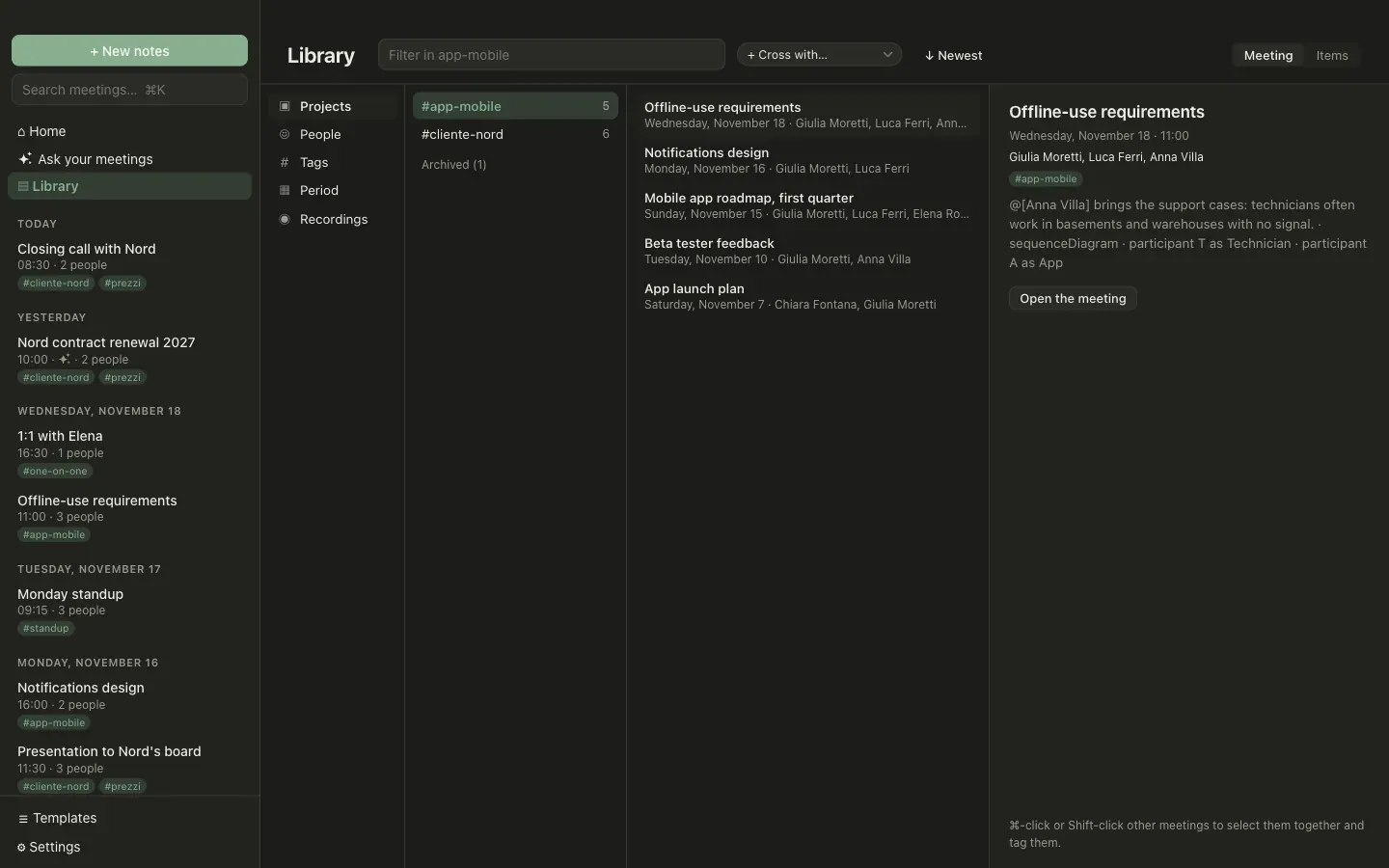
Dimensions
Section titled “Dimensions”- Projects: tags you promoted. A project has its own section and can be archived when it is done.
- People: who took part.
- Tags: the other tags.
- Period: this week, then one group per month.
- Recordings: the saved audio, see below.
Arrow keys move through the columns and Enter opens the meeting.
Projects are tags
Section titled “Projects are tags”A meeting joins a project simply by carrying its tag. To make a project, go to Tags, hover a tag and choose Project. To close one, choose Archive: its meetings stay.
Cross two dimensions
Section titled “Cross two dimensions”+ Cross with… at the top narrows everything to the meetings that also have one more thing: a person inside a project, a tag in a month.
Tag several meetings at once
Section titled “Tag several meetings at once”⌘-click or Shift-click selects several meetings. The preview then lets you add a tag to all of them, or remove one from all of them.
Items across meetings
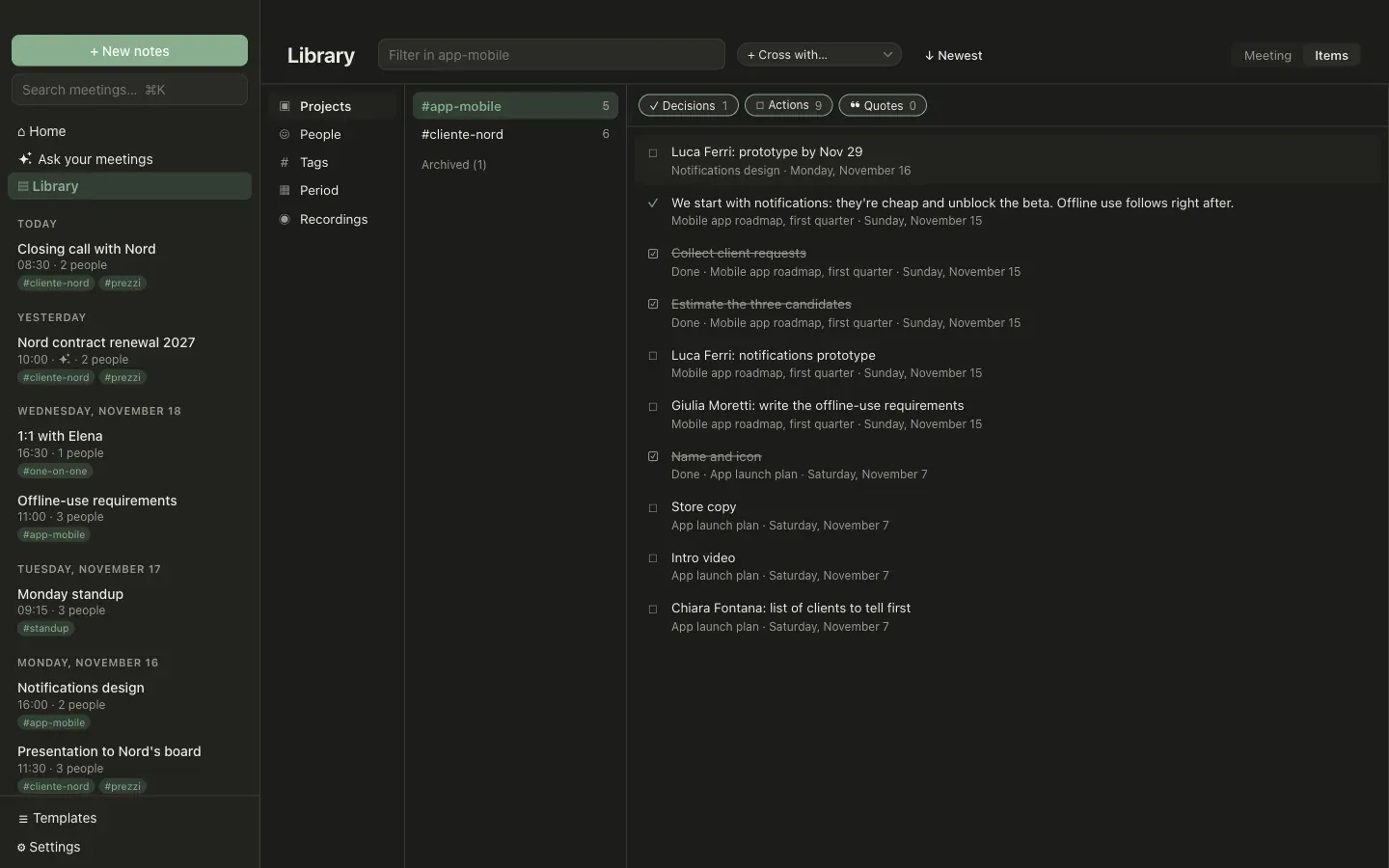
Section titled “Items across meetings”The Items switch lists, instead of the meetings, what is written in their notes:
- decisions, from decision callouts;
- actions, from checklists, open or done;
- quotes, from transcript quotes.
Filter by type with the chips at the top, and search in their text. Double-click an item to open its meeting.
Recordings
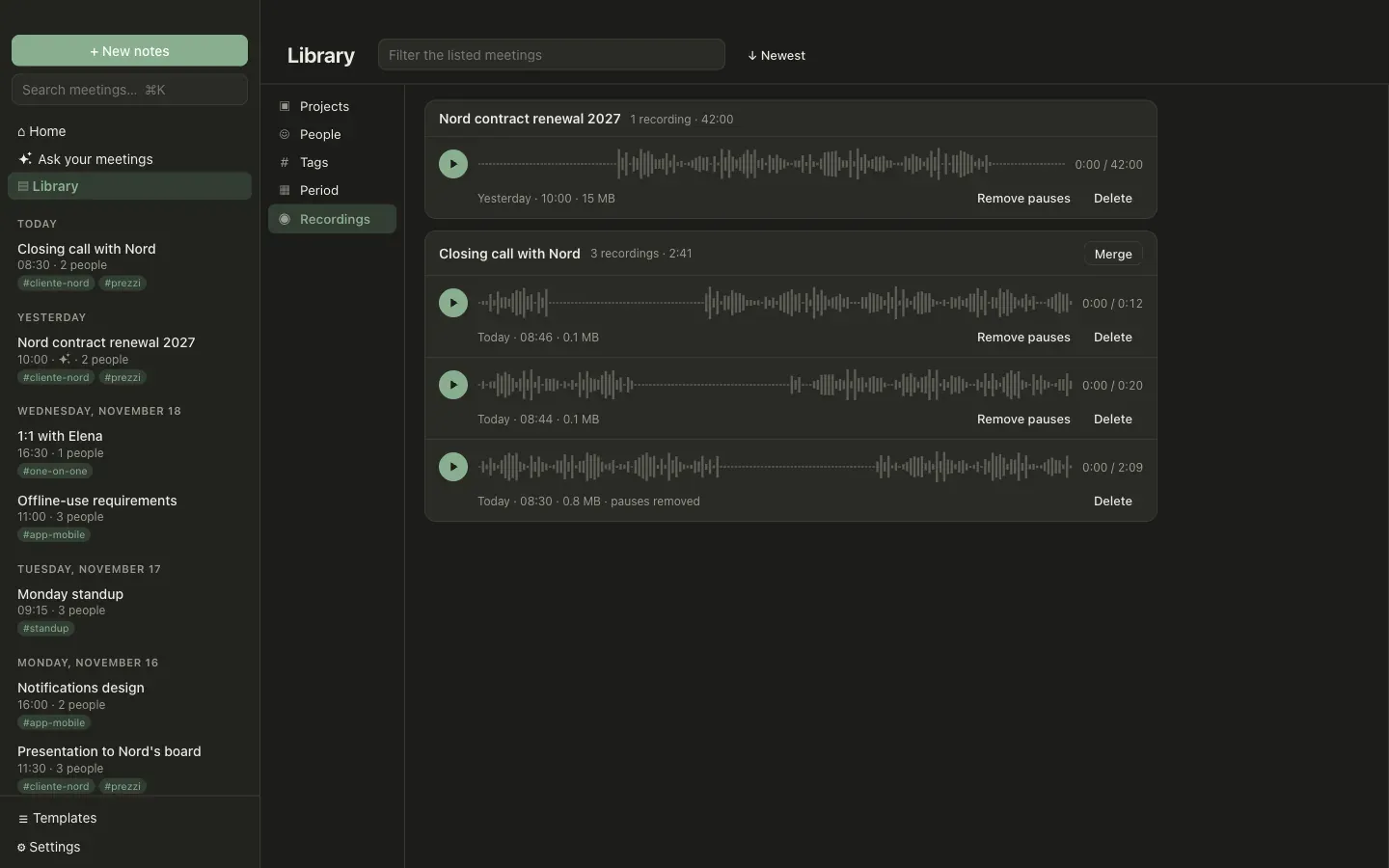
Section titled “Recordings”With Save recordings on, the Library shows one card per meeting with its recordings. Each has a player with the audio waveform: click or drag it to move.
- Remove pauses cuts the silent parts. Afterwards the audio’s minutes no longer match the transcript.
- Merge joins the recordings of a meeting recorded in several takes into one file.
Both need ffmpeg installed on your Mac. With it, recordings are also compressed, to about 20 MB per hour.
Search
Section titled “Search”The search field in the sidebar (⌘K) looks in titles, tags, participants, notes, AI notes and transcripts. Redacted text is not found, because it no longer exists.